
Opera
Opera is a free web browser for Windows from Opera Software. The stable release is 136.0.6008.22, published on 17 September 2026.
133.1 MB

Firefox Developer Edition is a free Mozilla browser for web developers, built on the beta channel with developer tools and early platform features.
Average 0.0 · ratings: 0
Thank you! Your rating is saved; you can change it. Could not save the rating. Please try again later. Too many ratings from your network today. Please try again tomorrow. The average appears after 5 ratings.
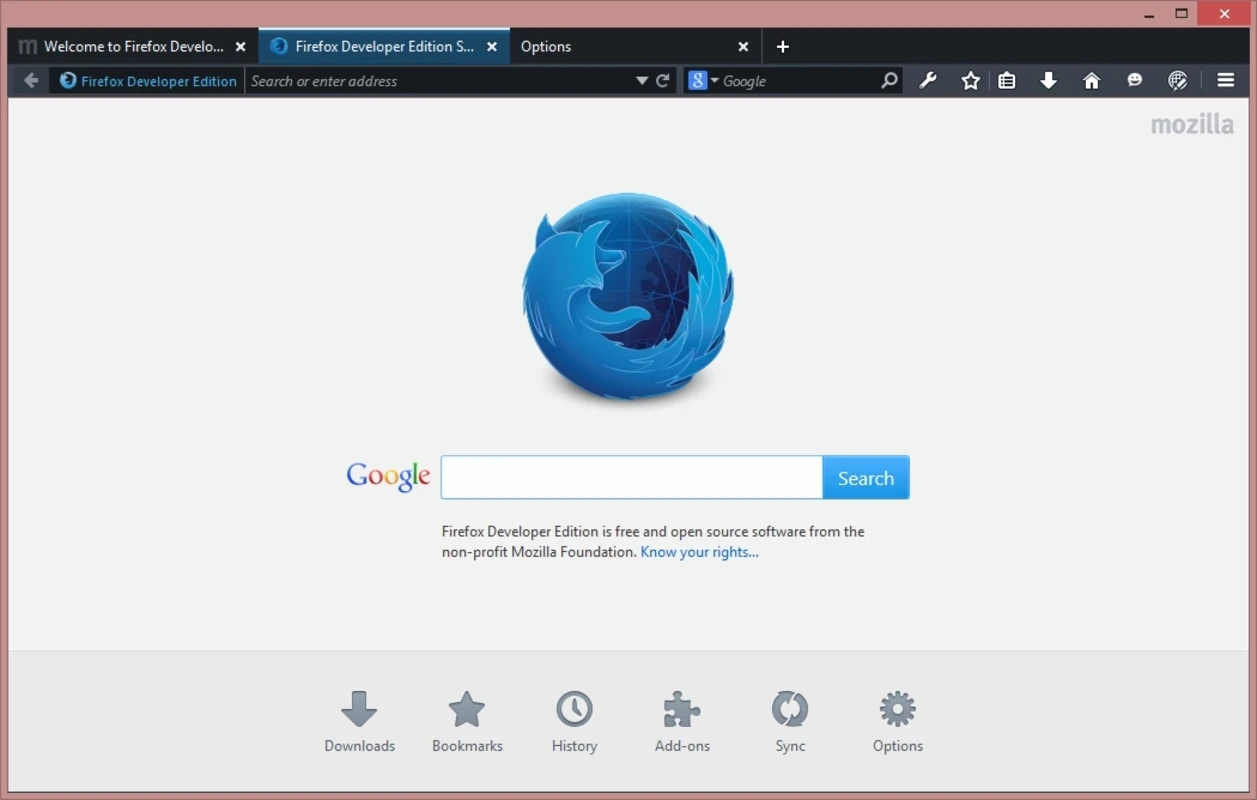
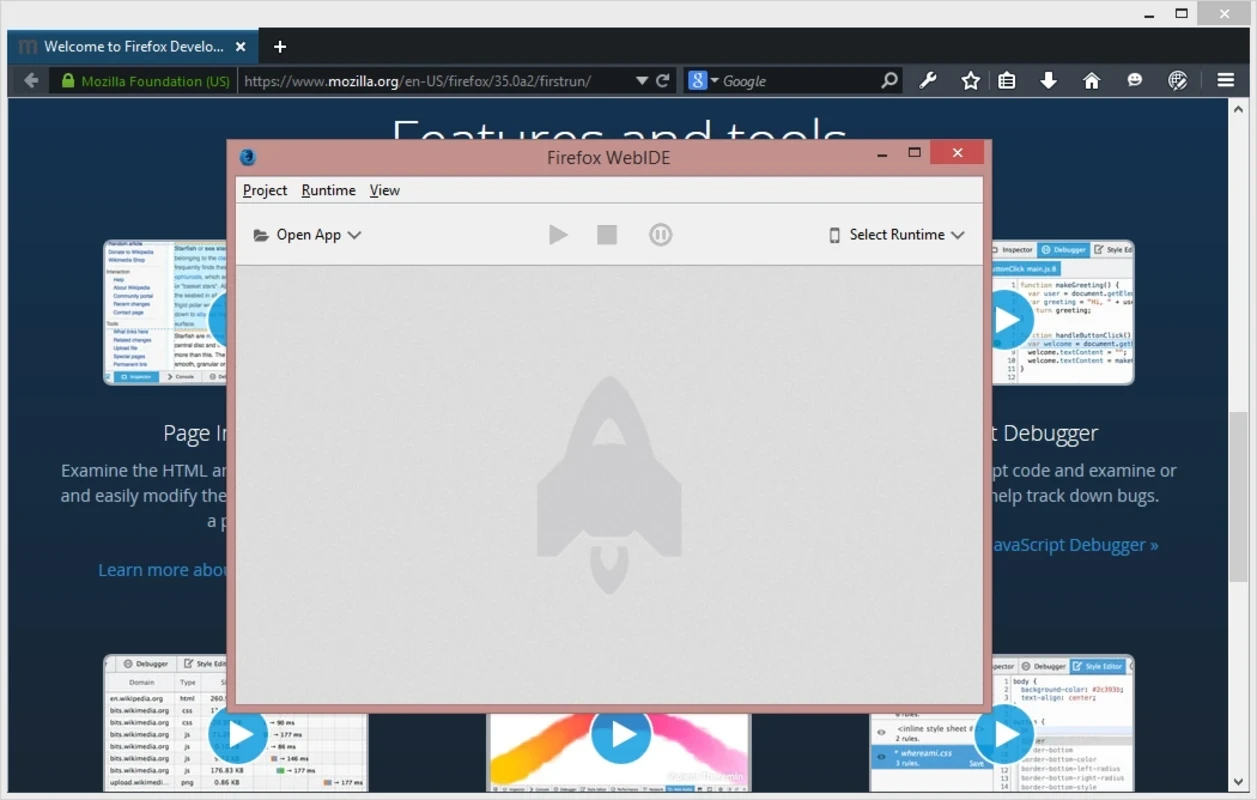
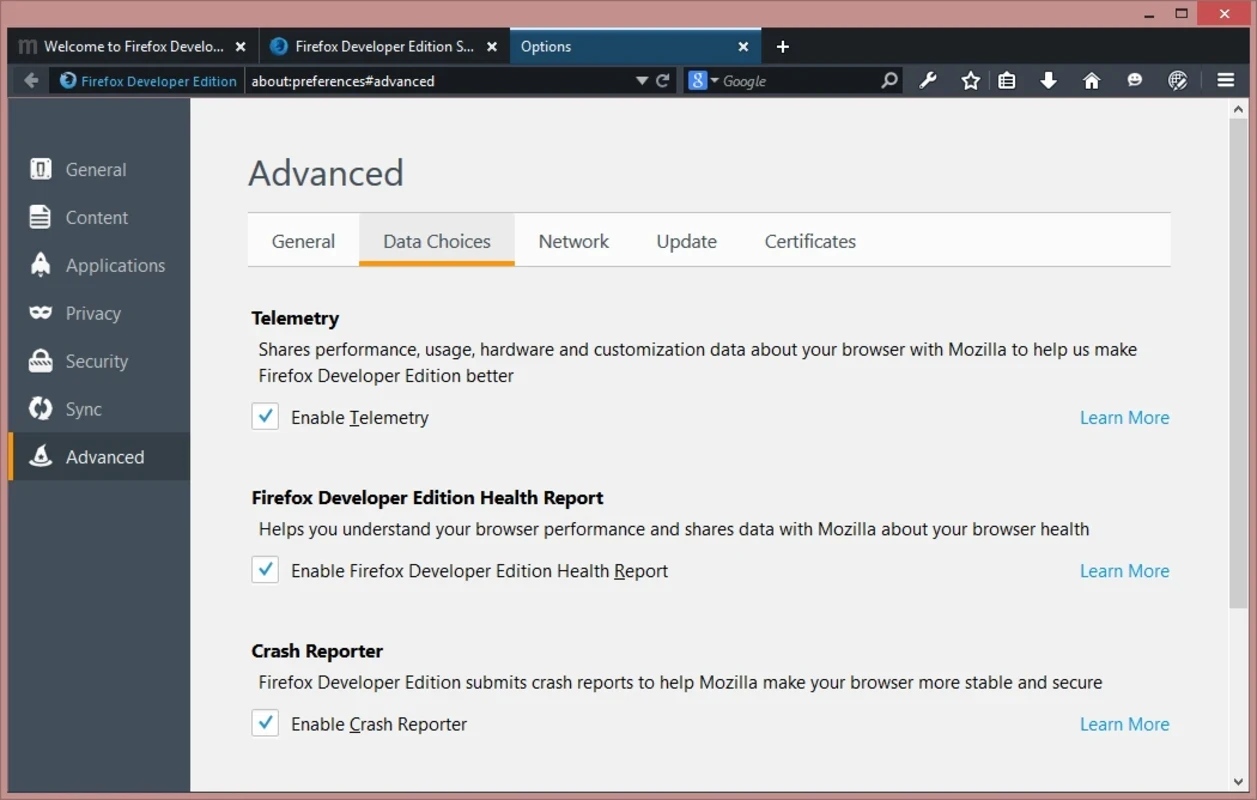
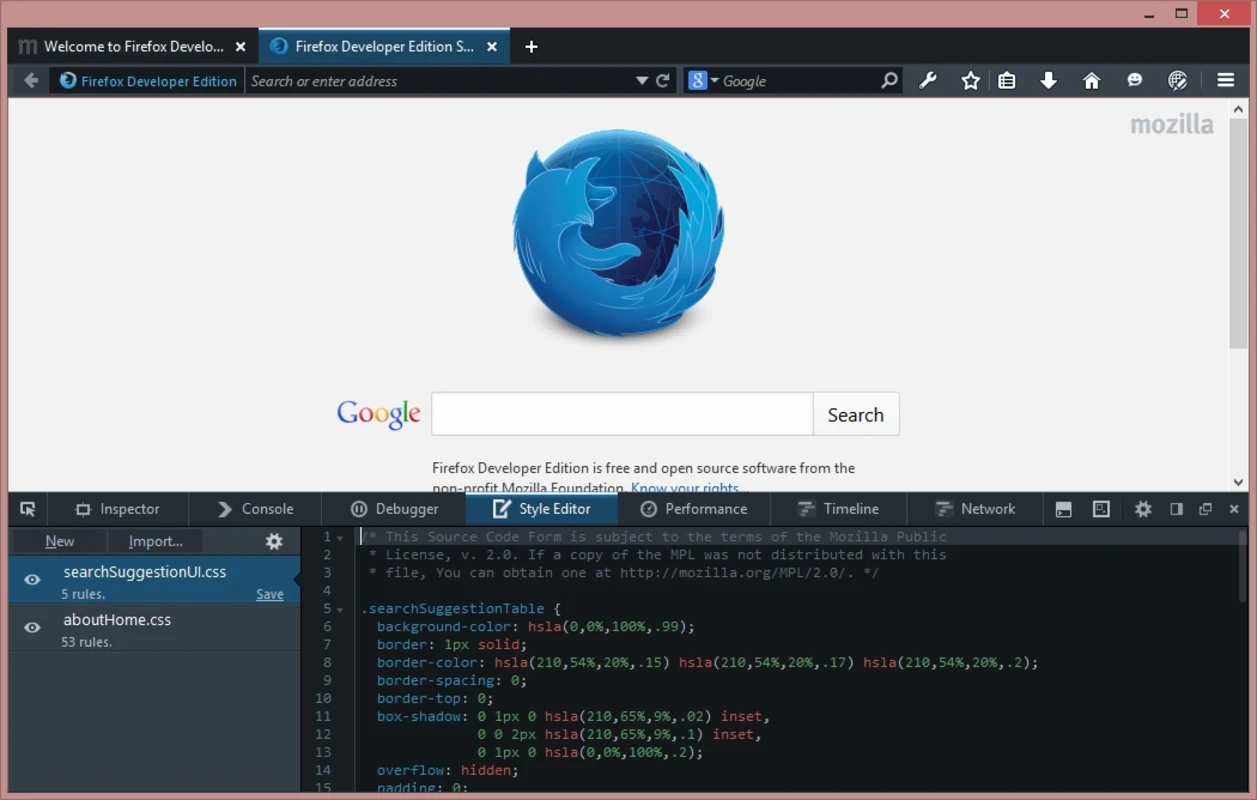
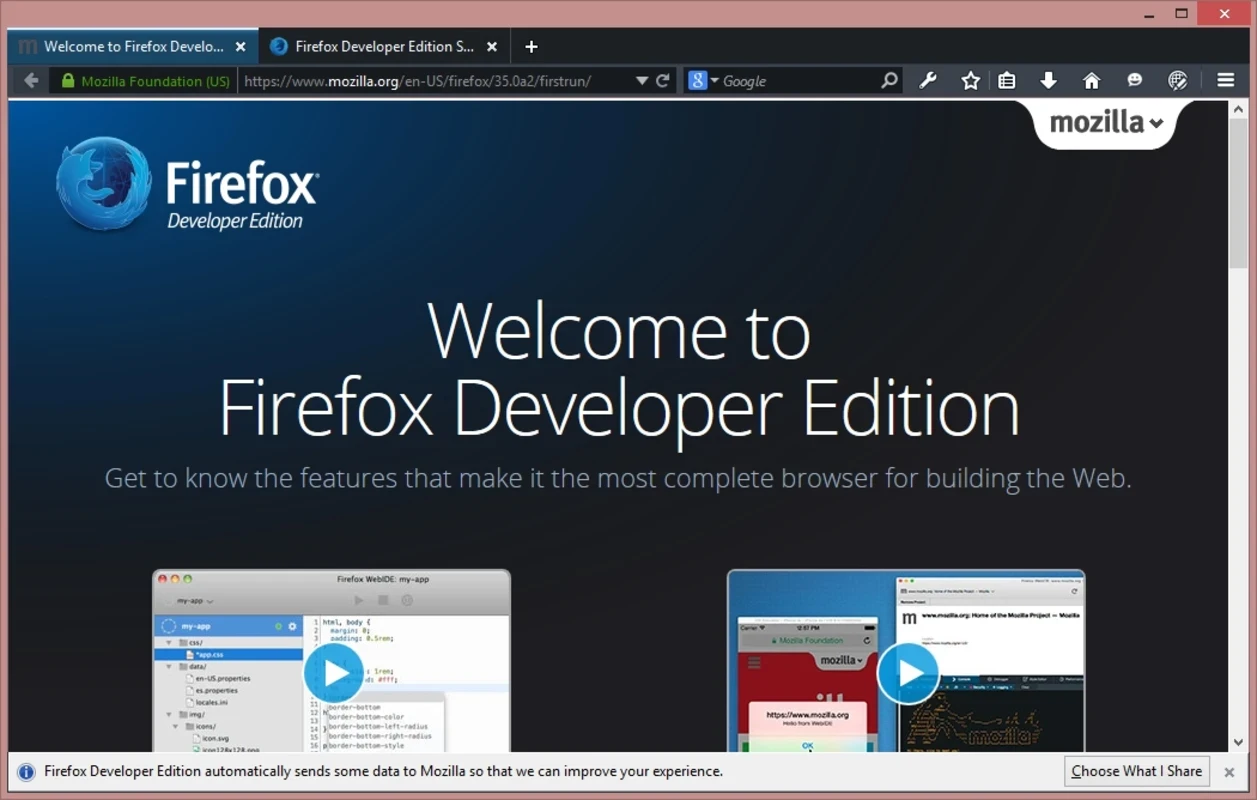
Firefox Developer Edition 156.0b4 is a free version of the Mozilla Firefox browser made for web developers, available for Windows, macOS and Linux. Download Firefox Developer Edition if you build or debug websites and want the newest web platform features and developer tools before they reach the regular Firefox release.
| Parameter | Value |
|---|---|
| Version | 156.0b4 |
| Developer | Mozilla |
| Channel | based on Firefox Beta |
| Platforms | Windows, macOS, Linux |
| Windows versions | Windows 10 or later, 32-bit and 64-bit, ARM64 |
| Licence | free software |
| Size | about 88.93 MB according to catalogue data |
Firefox is released in channels. Nightly changes every day, Beta collects the features planned for the next release, and the regular Firefox gets them once they are tested. Developer Edition is built from the Beta channel, so you see new CSS, JavaScript and browser APIs several weeks early and can check whether your site breaks before visitors do. The browser also changes defaults with developers in mind: a dark theme, developer tools pinned in the toolbar, remote debugging enabled, and a separate profile. That profile matters in practice: Developer Edition can run next to your normal Firefox without sharing bookmarks, extensions or cookies, so testing does not mess up your everyday browsing. Inside the developer tools you get the inspector with CSS Grid and Flexbox overlays, a JavaScript debugger, a network monitor, performance and memory tools, an accessibility inspector and responsive design mode for checking layouts at phone sizes. Mozilla documents each release's changes for developers on MDN.
Mozilla's system requirements list Windows 10 or later, a processor of 1 gigahertz (GHz) or faster, 1GB of RAM for the 32-bit version or 2GB of RAM for the 64-bit version, and 500MB of hard drive space. Firefox is no longer supported on Windows 8.1 and older.
Developer Edition is free and comes straight from Mozilla. It is a beta-quality build: stable enough for daily work, but occasional bugs are expected, so keep regular Firefox or another stable browser for banking and important tasks. Updates arrive often and install automatically.
For a stable Mozilla browser, Firefox ESR receives long-term support. Chromium-based testing is covered by Google Chrome Dev, Google Chrome Canary and Microsoft Edge, and Mozilla Firefox Portable runs without installation.
Opera is a free web browser for Windows from Opera Software. The stable release is 136.0.6008.22, published on 17 September 2026.

UC Browser for Windows is the desktop version of the web browser from UCWeb, a Chinese mobile internet company.

Google Translate is Google's multilingual machine translation service, used on Windows through the website and a browser extension.

Microsoft Edge is Microsoft's web browser, preinstalled on current Windows versions and available as a free download for reinstalling or updating.

Mozilla Firefox is a free and open-source web browser developed by Mozilla, available for Windows, macOS, Linux, Android and iOS.

Google Chrome is the free web browser from Google. The stable Windows release is 154.0.8037.58, out since 22 September 2026.

Cent Browser is a free Chromium-based browser for Windows from Cent Studio that adds mouse gestures, tab tweaks and other power-user options.